
Film emulation for Final Cut Pro
Your image isn't too sharp.
It's too digital.
CinePerfect rebuilds the whole chain — log decoding, lens defects, photochemical response, print. In real time, with no pre-render.
Organic precision
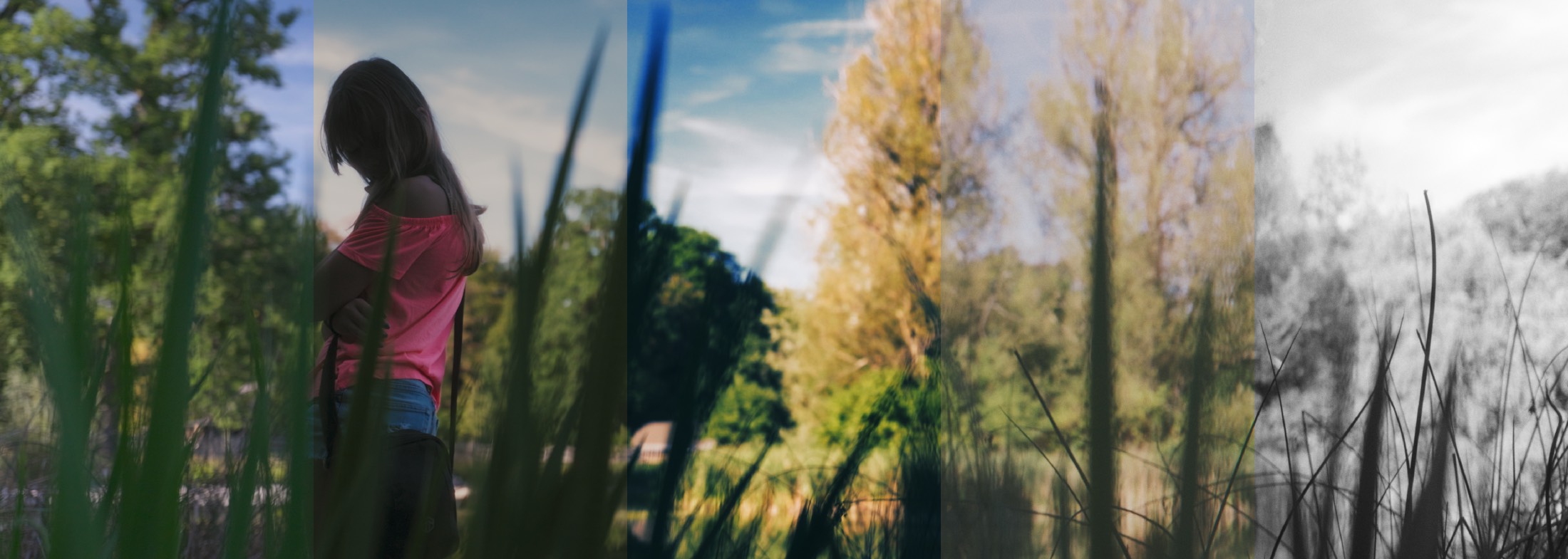
One shot, five grades. Nothing changes from band to band but the style — same frame, same exposure, same log conversion.
The real diagnosis
What gives a digital image away isn't its resolution.
It's the absence of everything an optical system and an emulsion add: the micro-dispersion of the low-pass filter, light scattering back through the base, the way colours grow darker as they gain density.
Taking sharpness away fixes nothing — it just blurs. CinePerfect puts the phenomena back, each one at the stage where it actually happens in the chain.
The path of light
Ten stages, in the order light meets them.
The order isn't cosmetic. Lens veiling added after the film curve can only wash the image out; added before, it compresses like real light.
The inspector
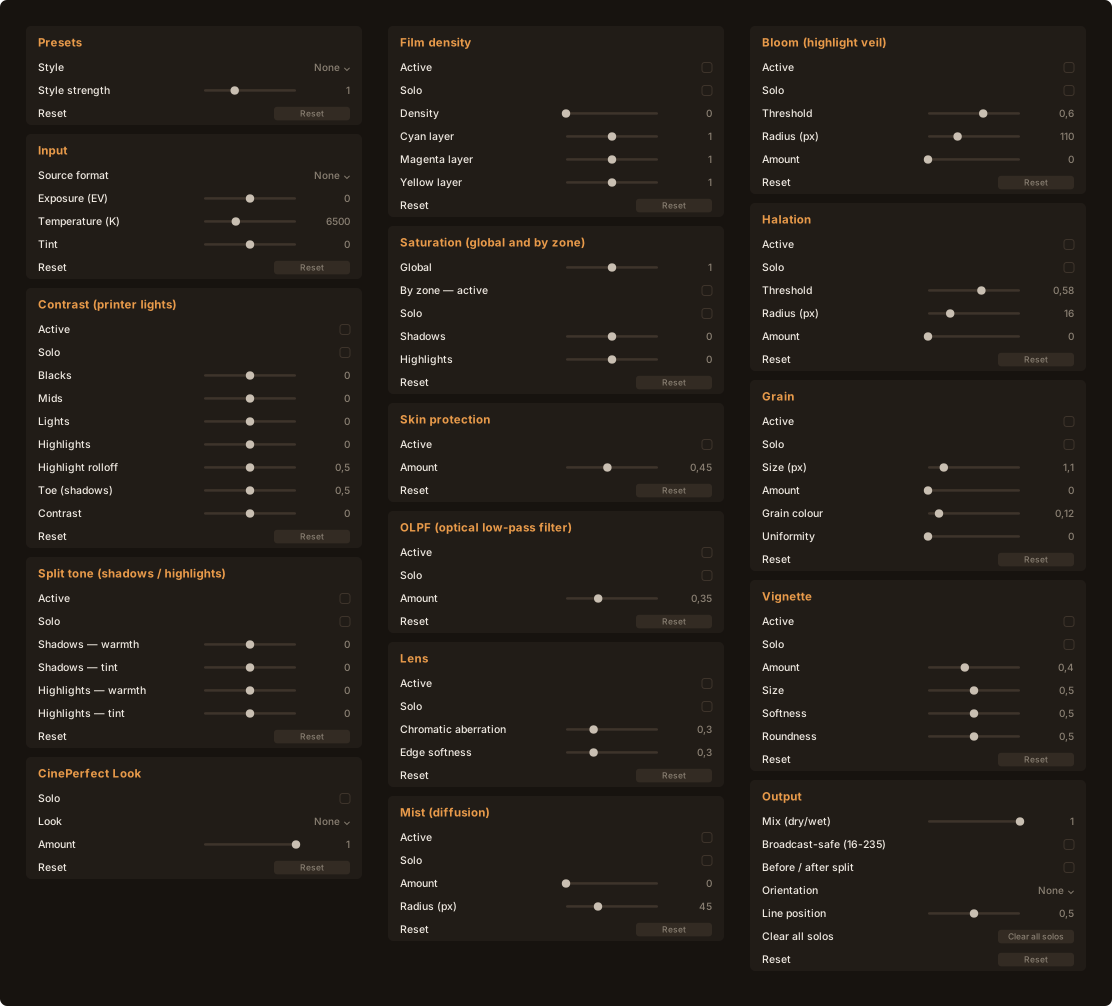
Sixteen groups. Ninety-two controls.
Every stage of the chain opens up. Nothing here is decorative: not one value was chosen by eye — the gains, thresholds and ranges are calibrated by numerical simulation on a test bench.
The character groups are collapsed on opening: you grade a shot with five sliders, not ninety-two.
What sets CinePerfect apart
Every setting is measured, not guessed.
The whole pipeline runs on a test bench that executes the real shader and reports in screen points. No gain was ever chosen by eye.
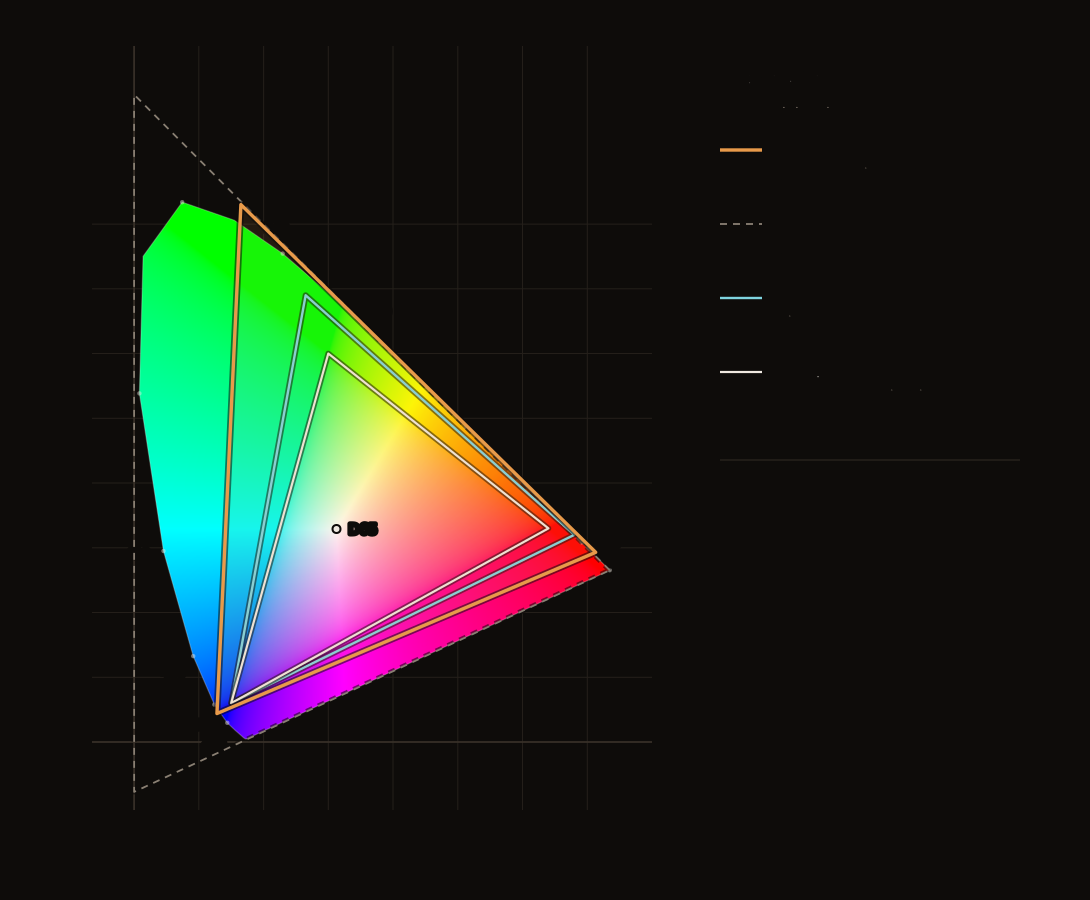
Print stocks are not filters.
When you choose a Print · Hollywood or a Print · Soft, it replaces the film curve instead of stacking on top of it, and receives the image Cineon-encoded — as it would on a telecine. Without that, a 90% white came out blocked at 97.5%; with it, it lands at 87.6%, the value of the real positive.
Nine 3D tables, eleven styles
Five looks, four print emulations.
Each defends a distinct axis — colour and curve. Not five variations on the same grey.
Eleven styles by genre, and a strength slider.
Drama, Crime, Thriller, Action, Romance, Comedy, Science fiction, Period, Black & white, Blockbuster — plus a neutral. The slider multiplies each setting's distance from neutral, bounded so ×3 saturates instead of running away. And “None” is genuinely inert: the plugin never imposes a look you didn't ask for.
The examples on this page are pushed to the top of their range — before/after, gallery, mosaic and video. At thumbnail size, and after web compression, a working setting simply would not show. In production you dial it back.
Before, after. The button sits on the image.
The same shot in bare Rec. 709, then through CinePerfect. Click the label to switch — without taking your eyes off the area you are comparing.
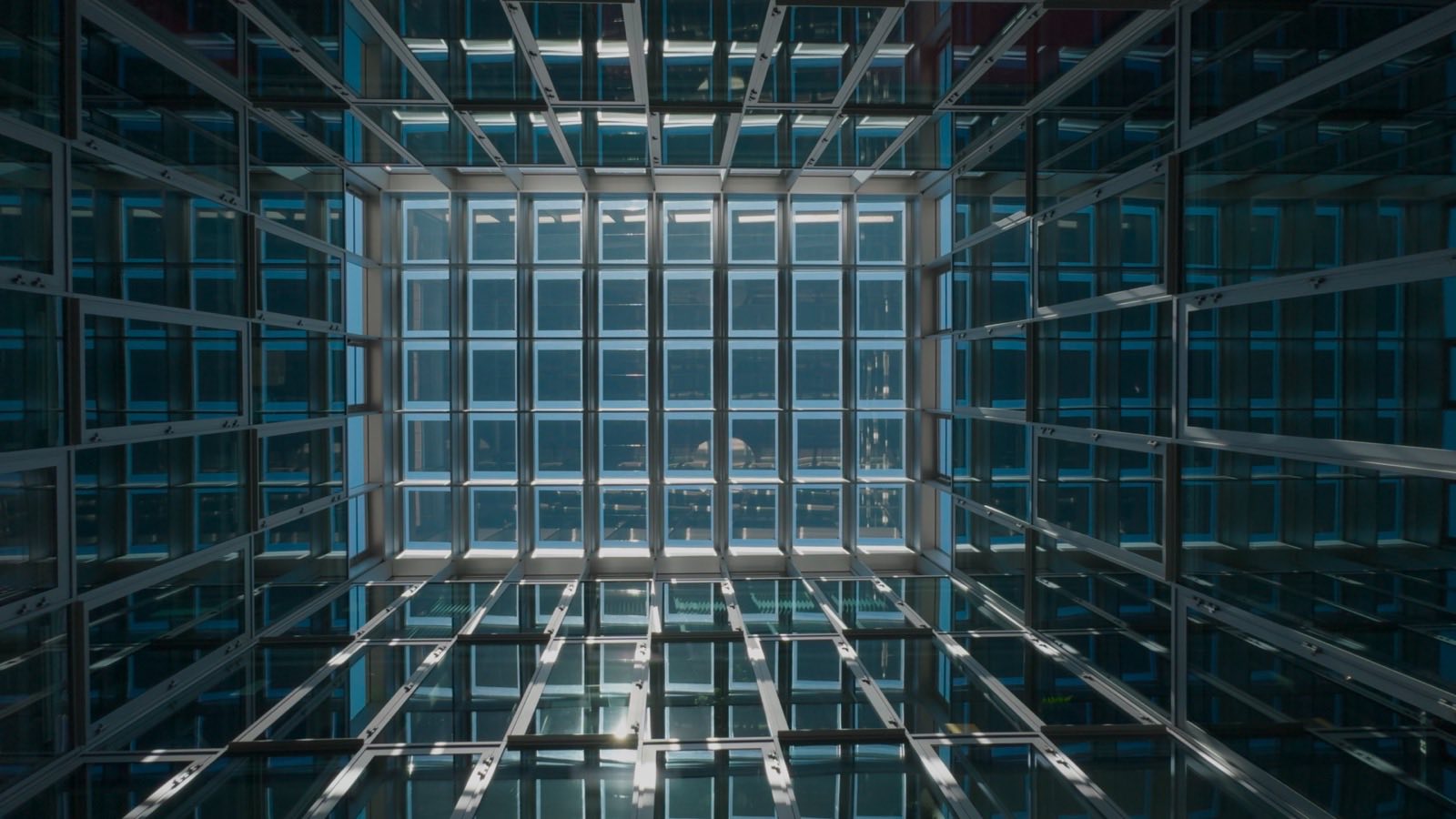
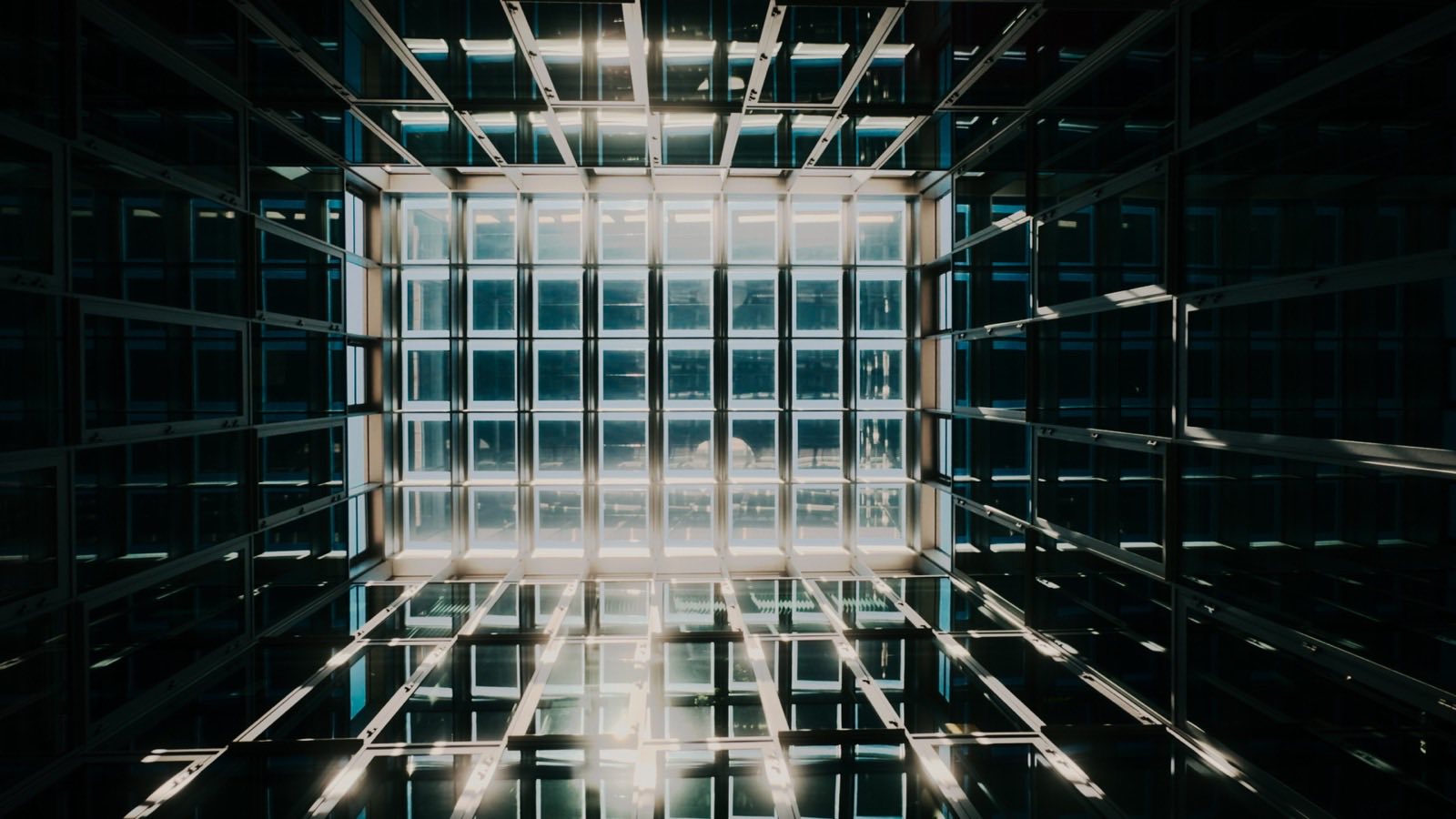
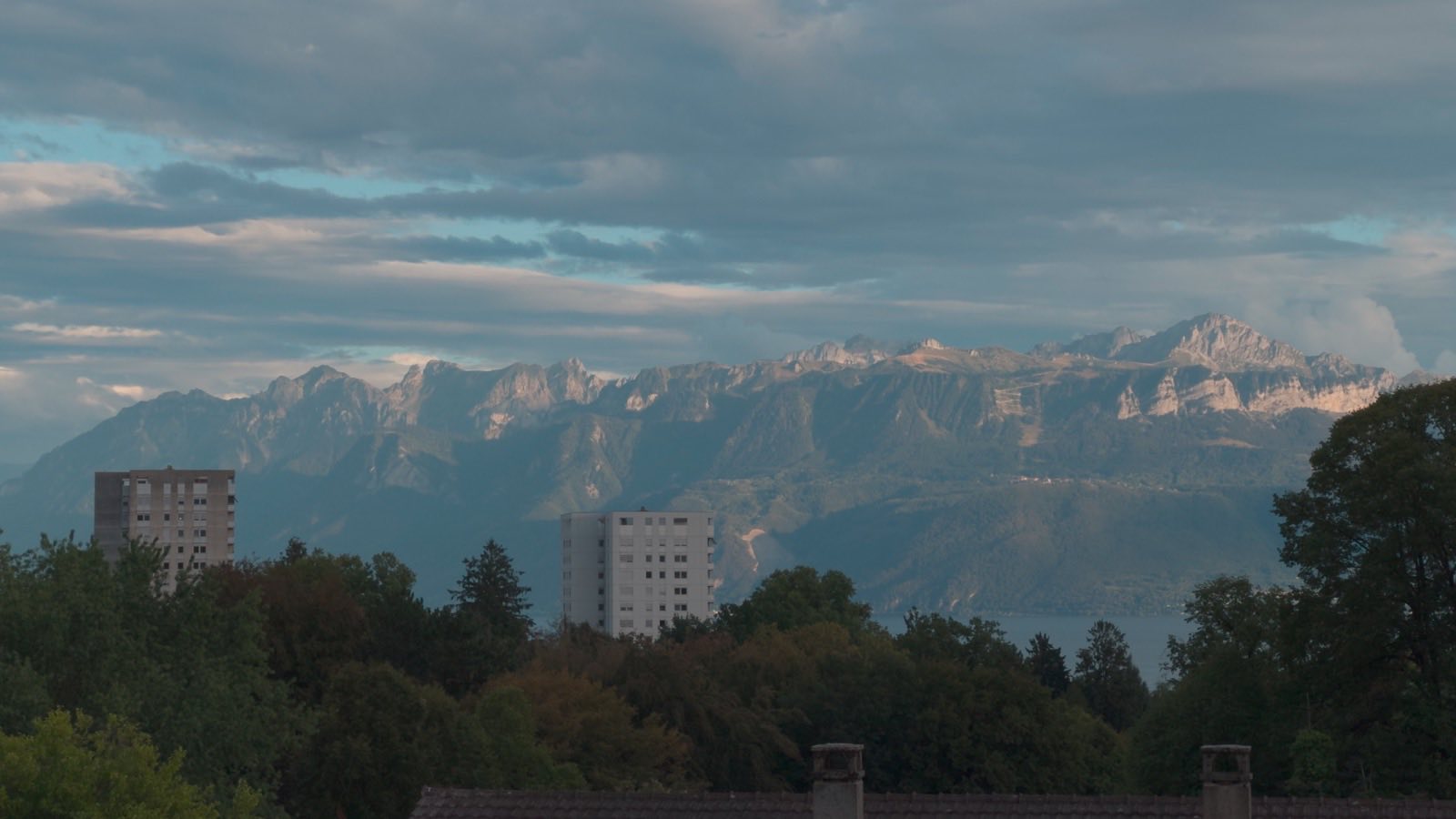
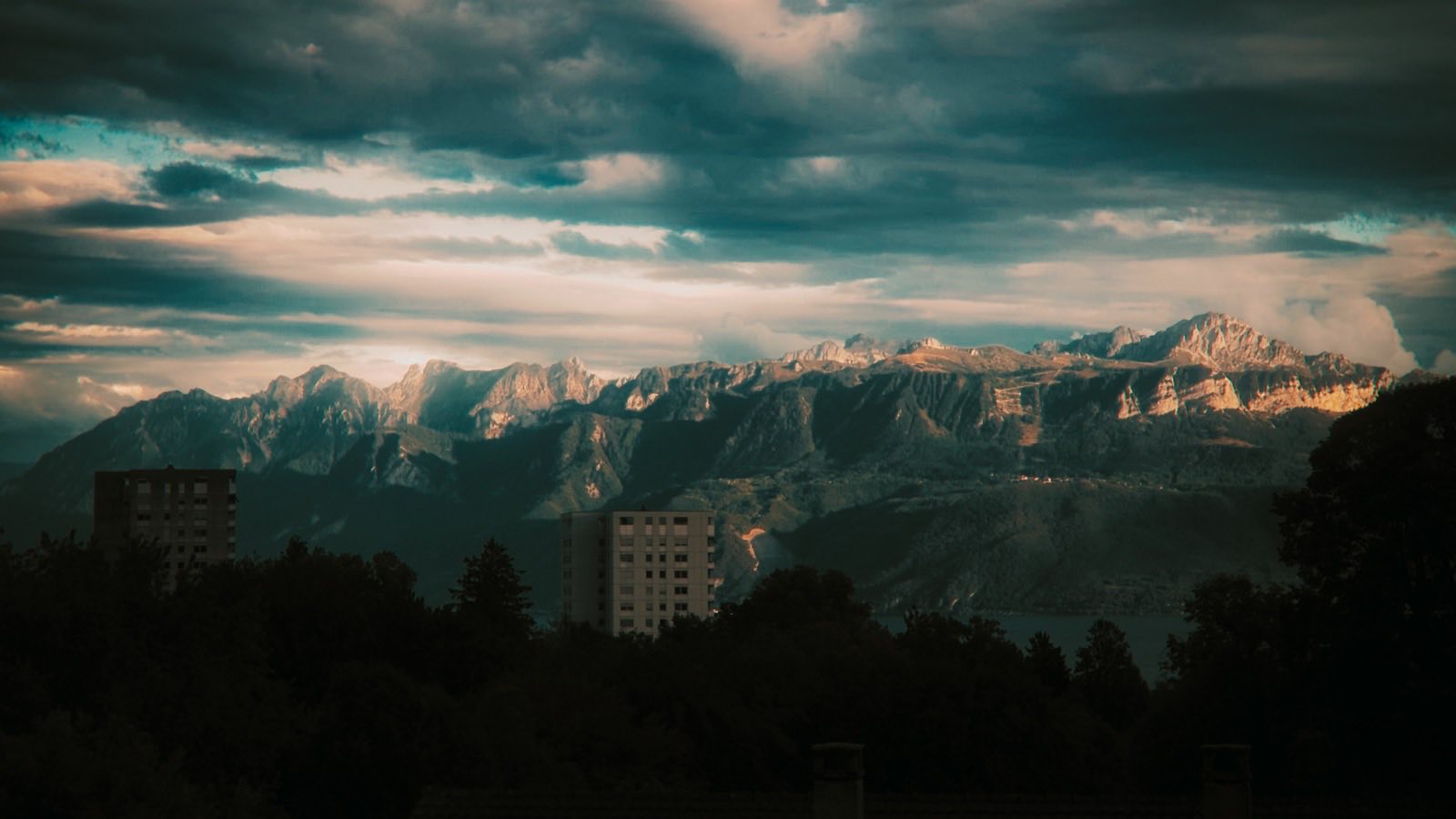
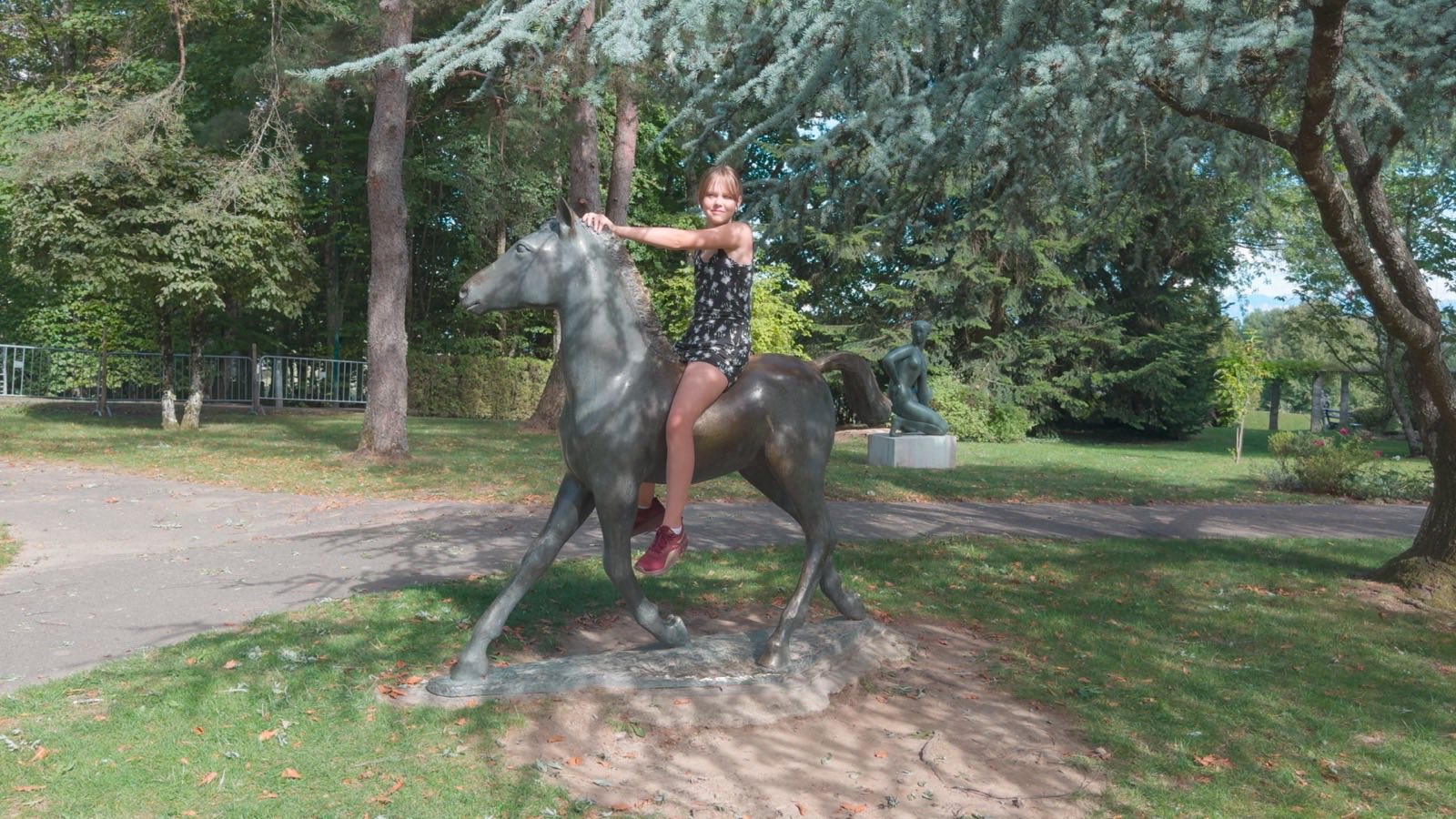
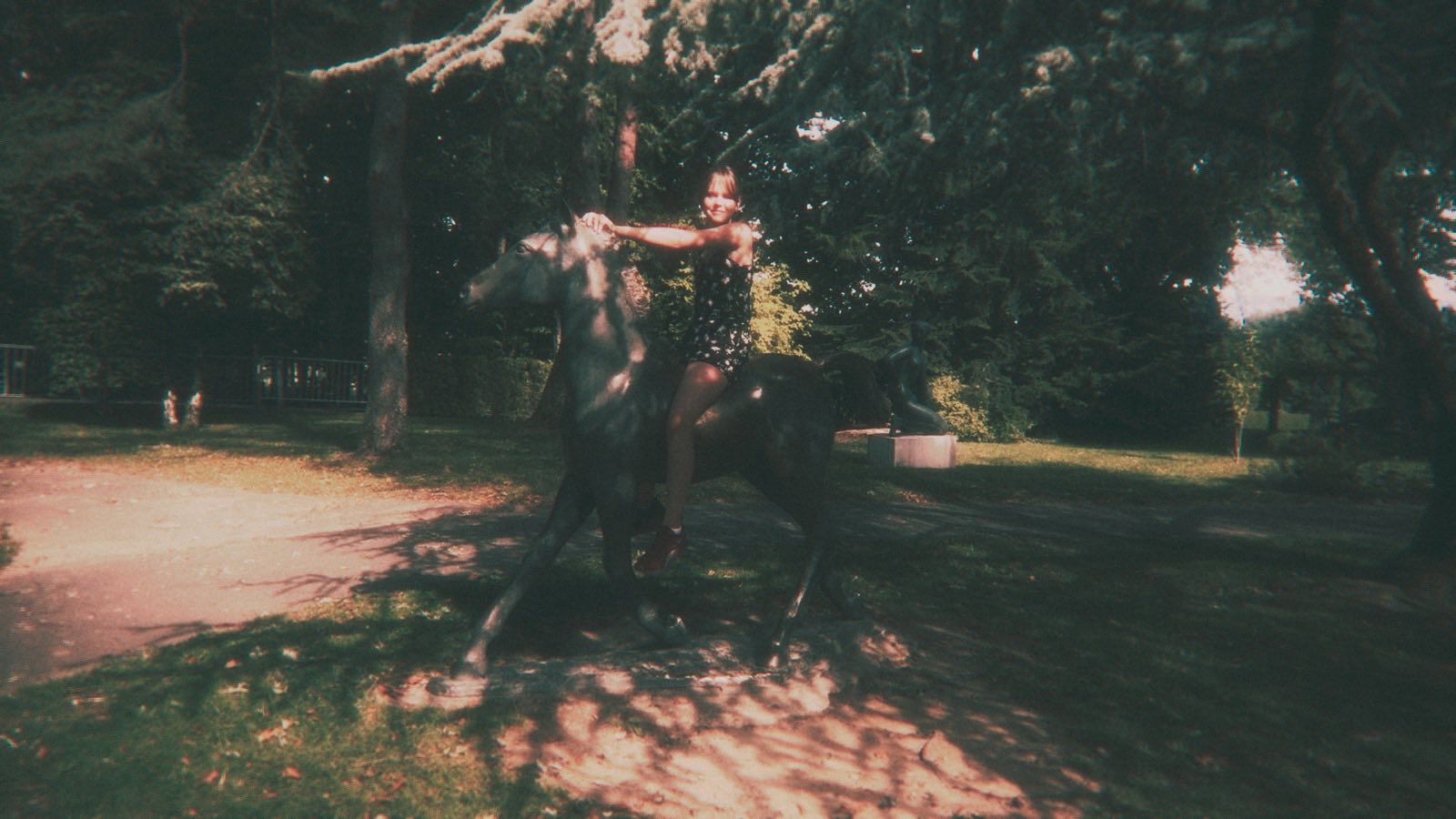


From an actual production
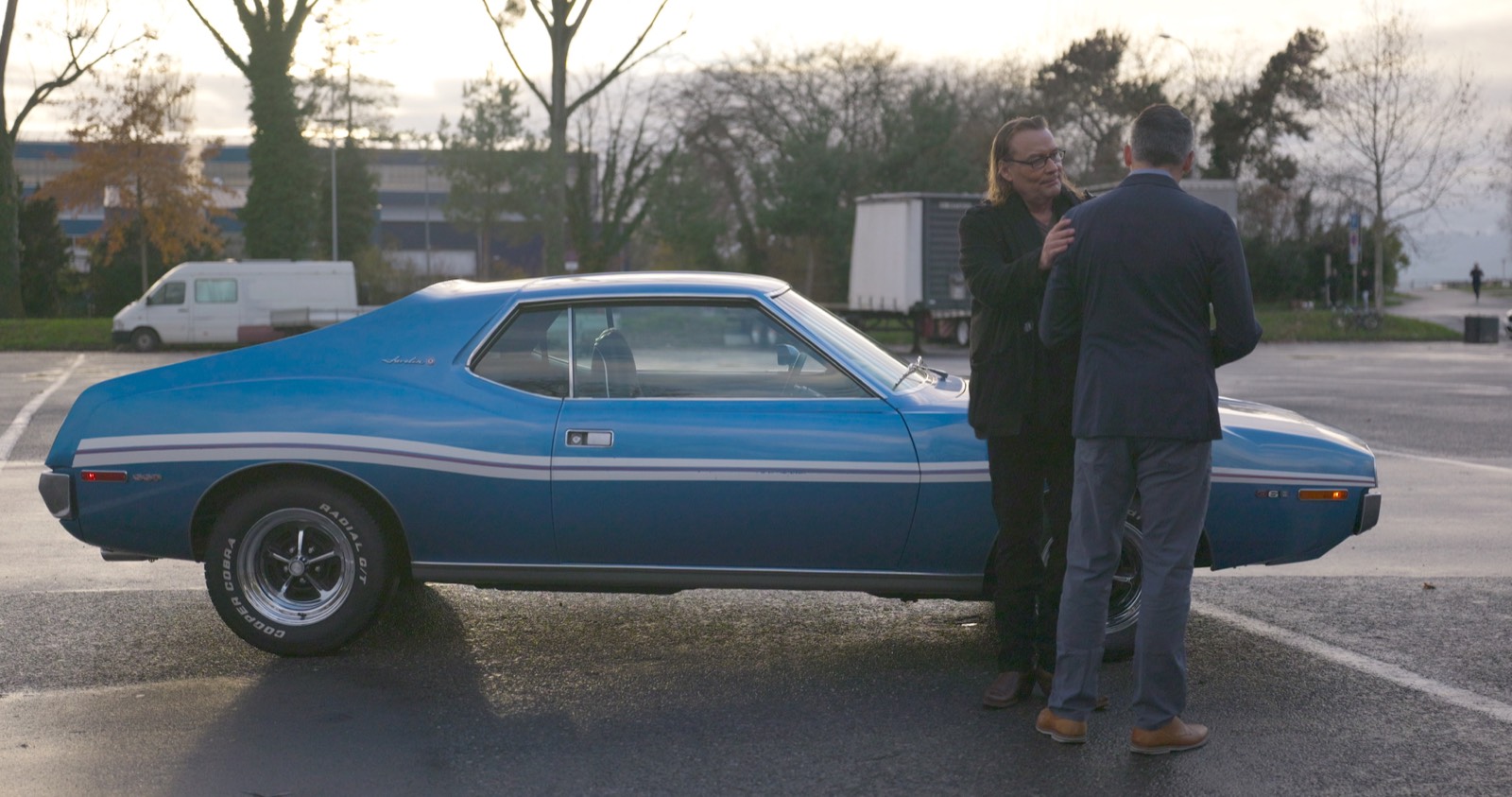
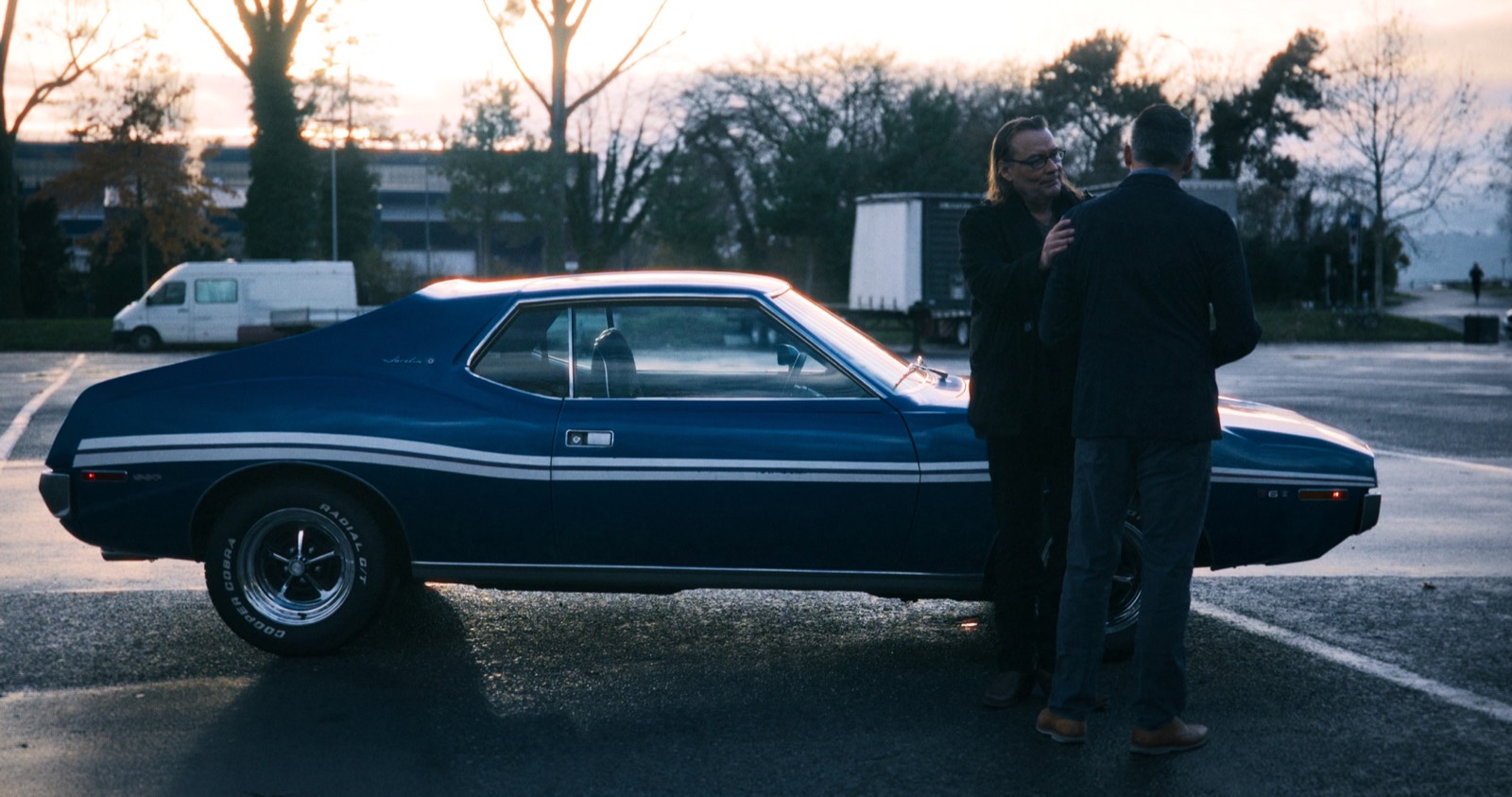 © Mister Hasard
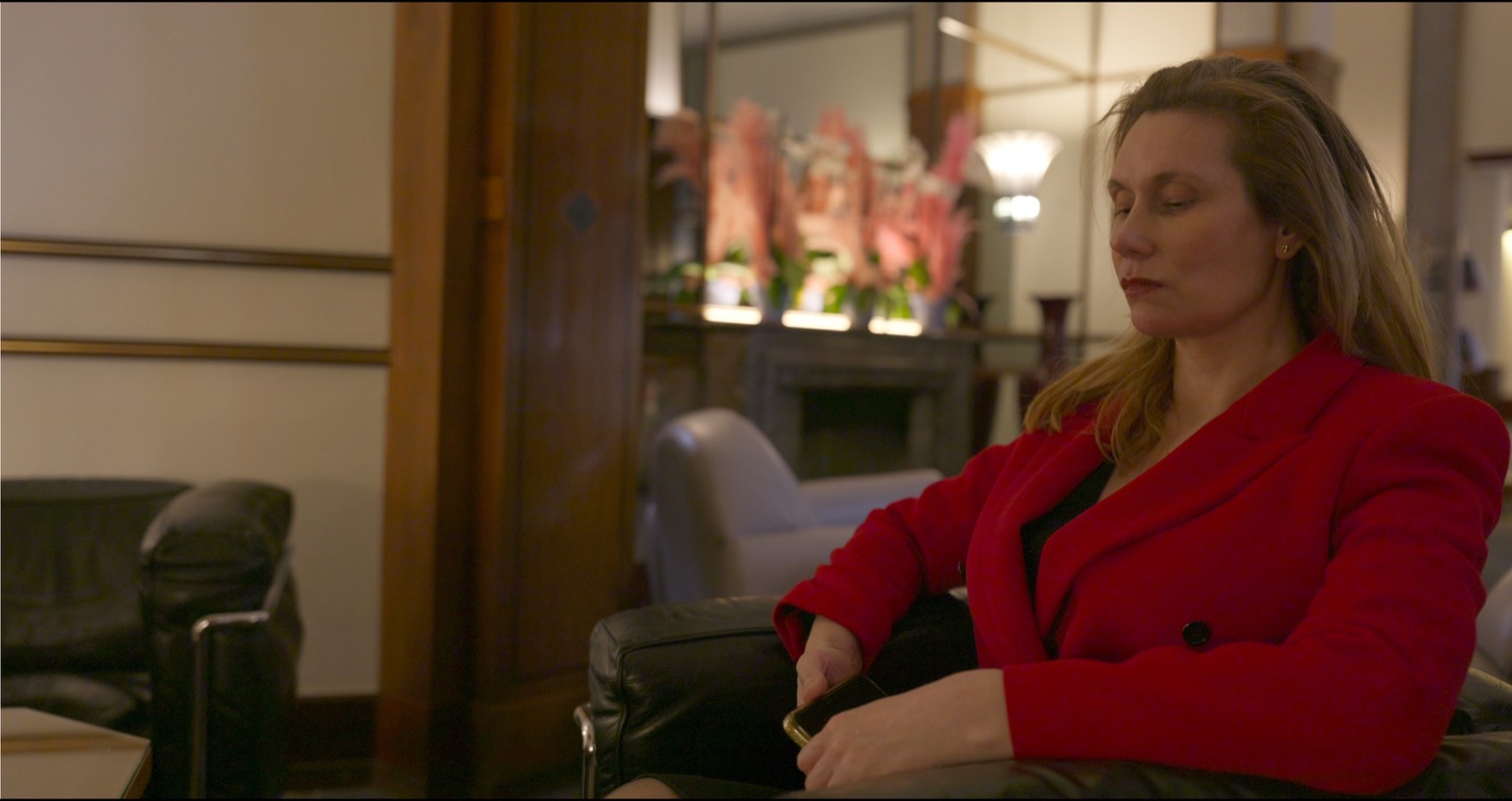
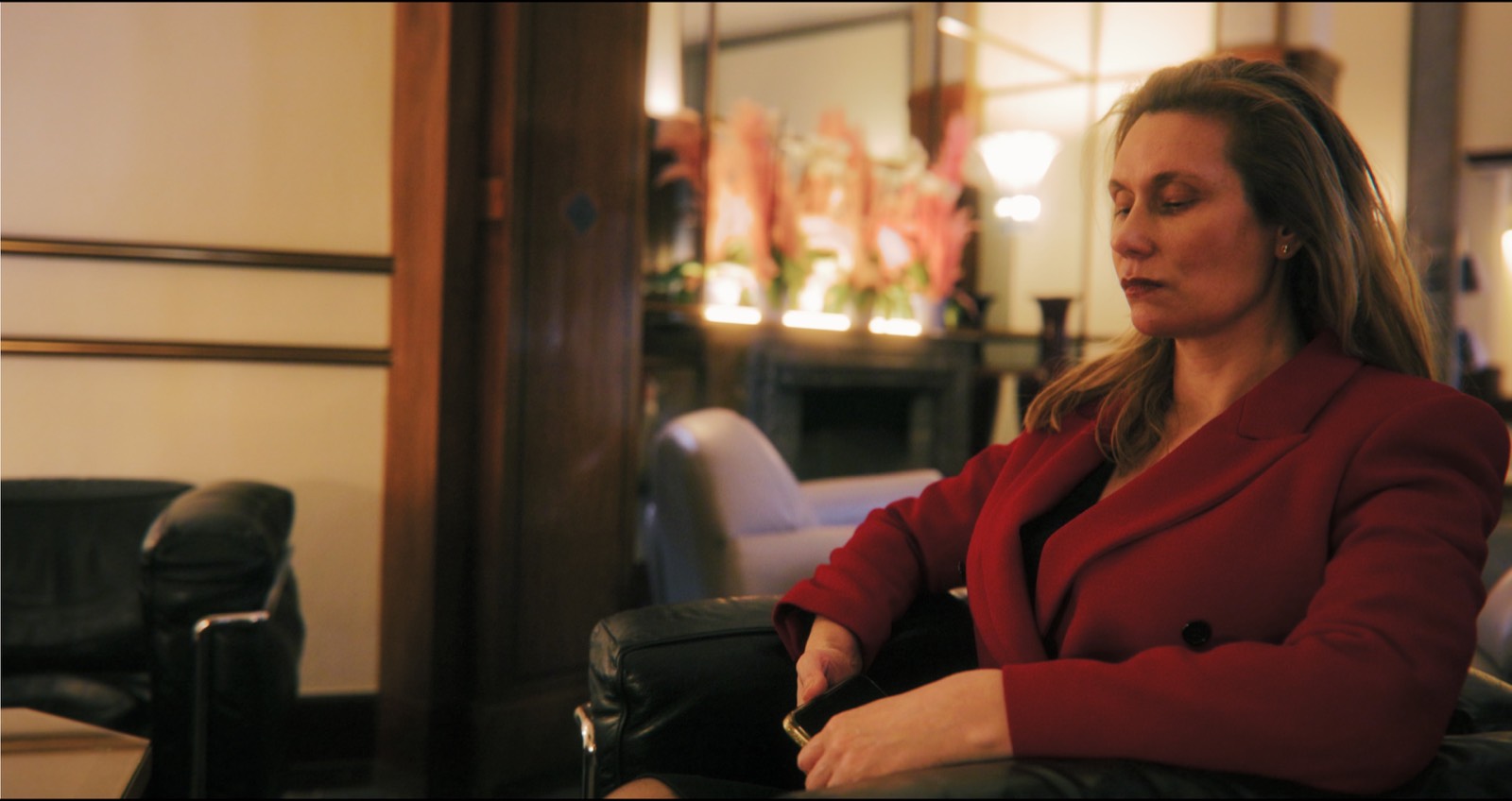 © Mister Hasard
From raw log to eleven styles.
Three shots, two camera formats, thirteen renders each. The first is the file straight out of the camera. The other twelve are the shipped presets, computed by the plugin itself.
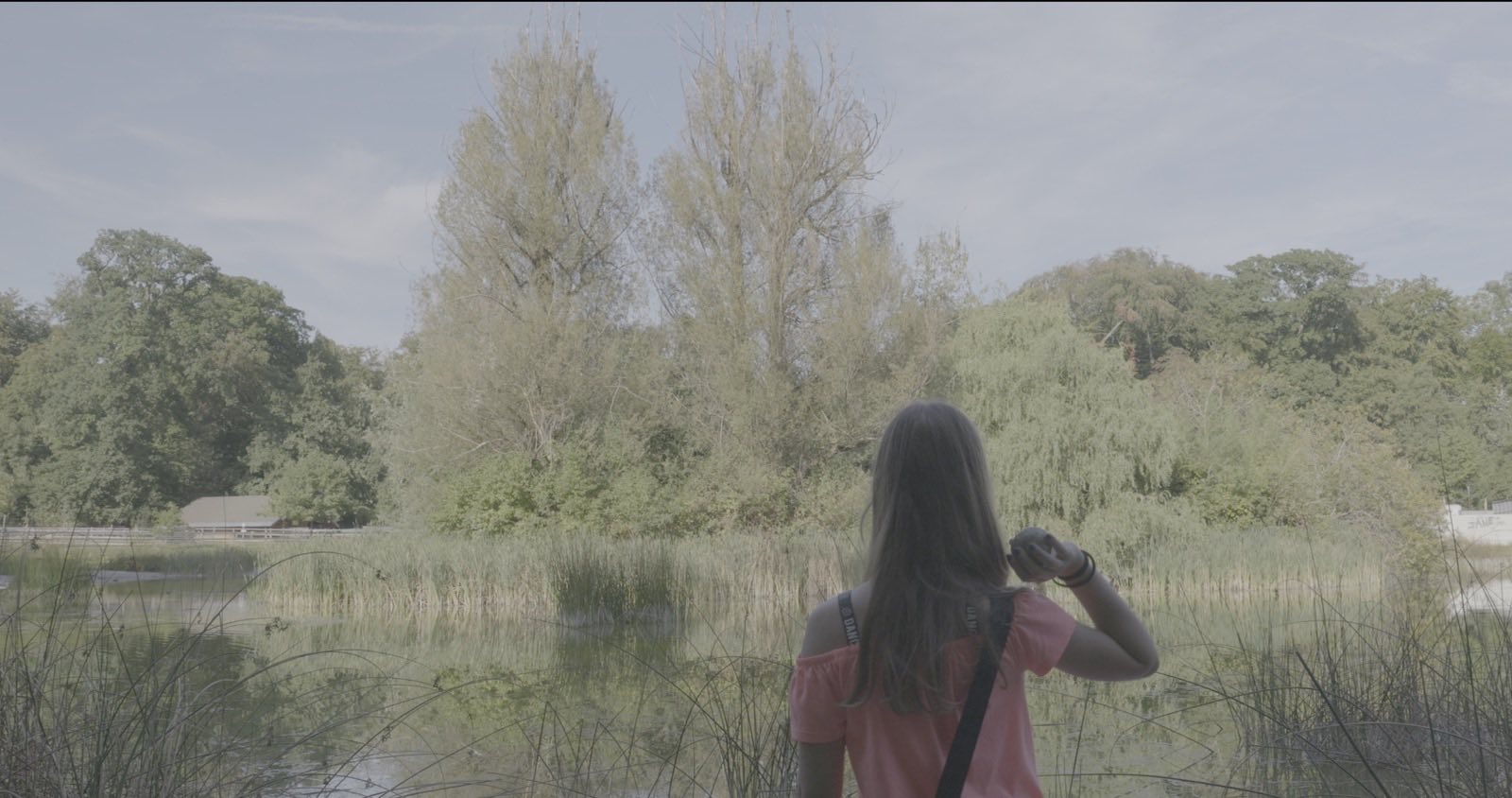
Raw logThe file straight out of the camera, with no decoding at all.
Three shots, two camera formats, thirteen renders each, at 4096 × 2160 then reduced for the web — fine grain reads more discreetly here than on screen. Exposure is corrected inside the plugin, shot by shot. Presets are at strength 1.0, except “The view”: strength 2.0, to show what the slider pushes.
All twelve at a glance.
A third shot, the same twelve renders, at strength 1.0.












iPhone Apple Log, converted to Rec. 709 in Final Cut Pro. Every shot is shown twice: the standard conversion, then CinePerfect.
Lumix V-Log, converted to Rec. 709 in Final Cut Pro. Same principle: the standard conversion, then CinePerfect.
Licence
A single purchase, no subscription.
CinePerfect
All eleven styles, all nine looks, and every stage adjustable by hand.
Buy CinePerfectPerpetual licence, version 1 updates included.
Final Cut Pro 11+ · macOS 14+ · Apple Silicon · Rec. 709 (SDR) output
Test configuration: macOS 15.6, 16 GB of RAM.